Sync Places with Reporting Tables
After you create and publish a new Place, or if you edit an existing published Place, you must synchronize the new or updated Place with the platform's Hive reporting tables.
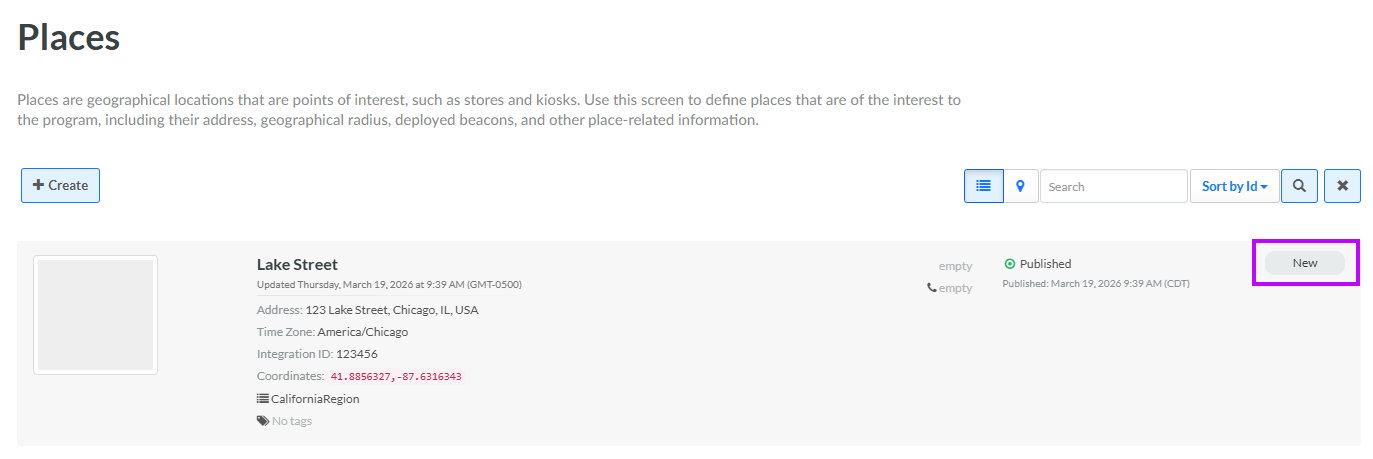
When you initially publish a new Place, the platform tags the Place with a status of New on the Places screen.
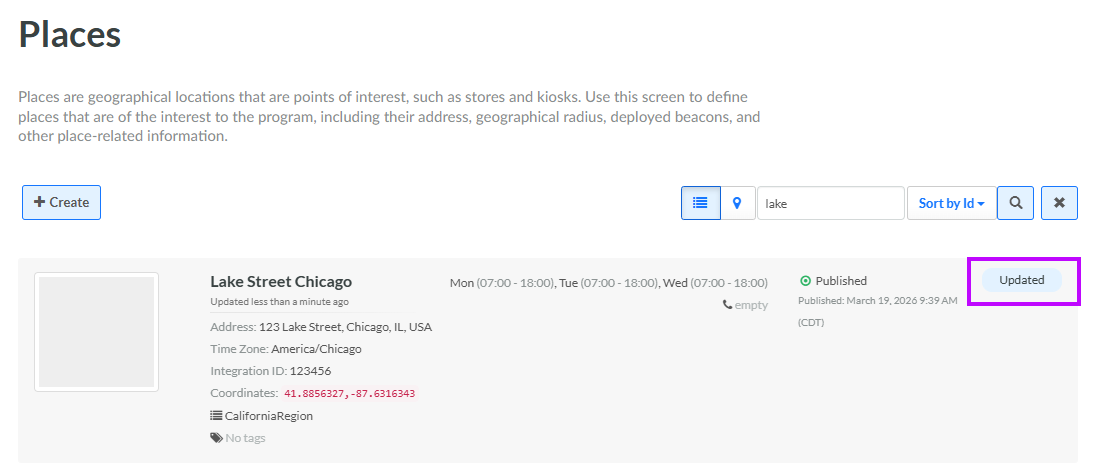
If you later update a Place that was previously synced, the platform tags the Place with a status of Updated on the Places screen.
When you run the synchronization process, the platform syncs all Places that have a status of either New or Updated, which makes the new or modified Places available for reporting purposes.
To synchronize all New and Updated Places with the platform's reporting tables:
-
Select Admin from the top navigation bar, then select Locations > Places from the side navigation menu. The Places screen is displayed, with List View selected by default.
-
Optionally, if you want to force the platform to synchronize ALL Places, from the Actions menu on the Places screen, select Reset Syncing Rows. This option resets the status of all Places back to New.
-
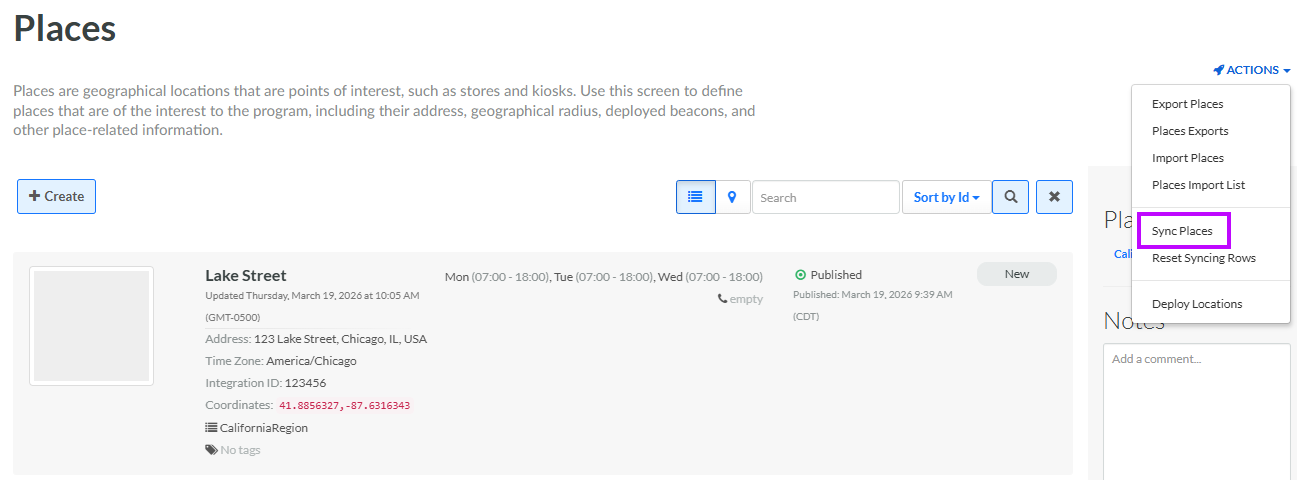
In the top-right corner of the Places screen, from the Actions menu, select Sync Places. The platform begins the synchronization process.
While the synchronization process is running, the platform changes the status of all New and Updated Places to Syncing.
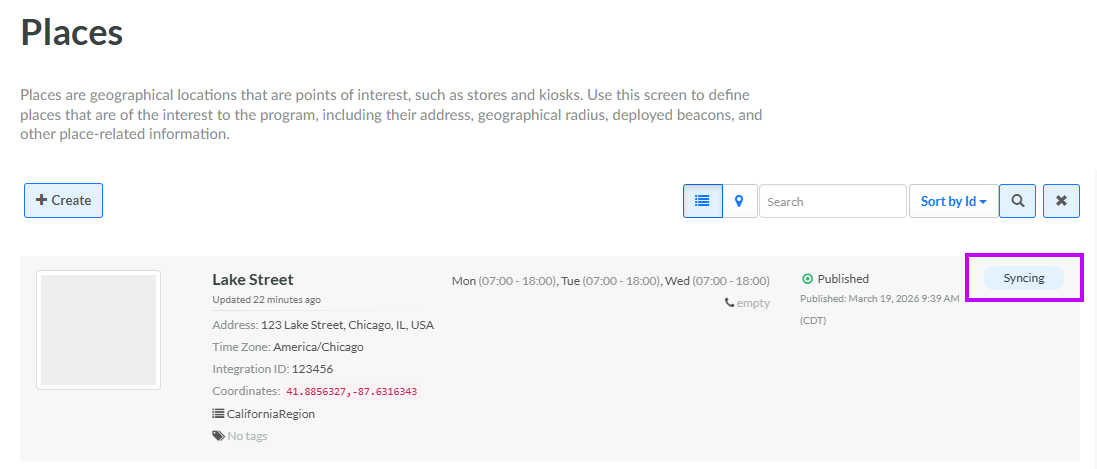
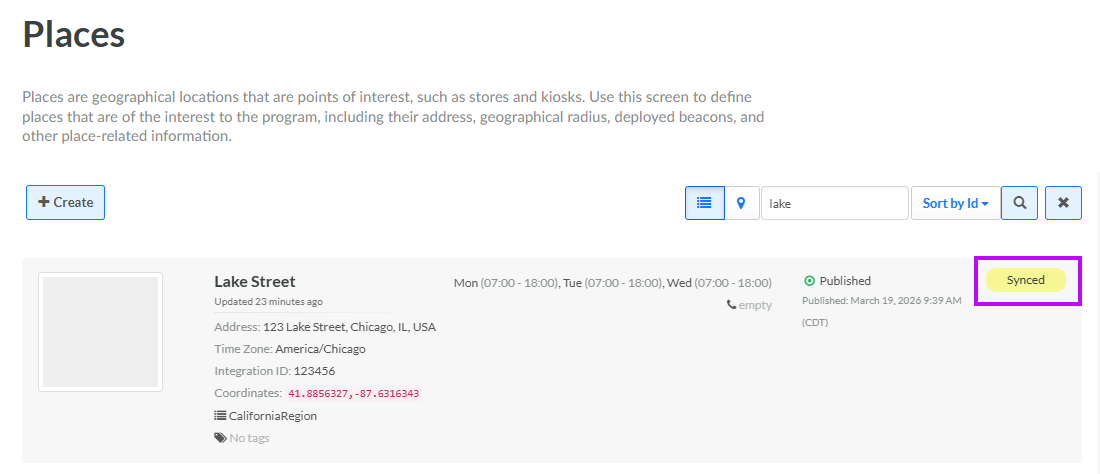
When the synchronization process is complete, the platform changes the status of all Syncing Places to Synced.